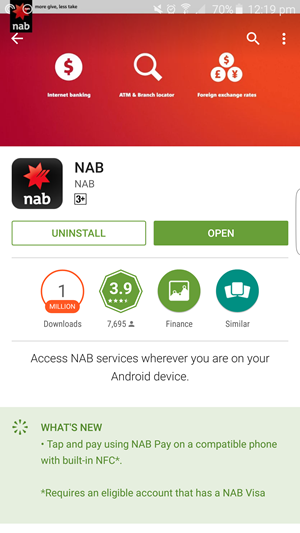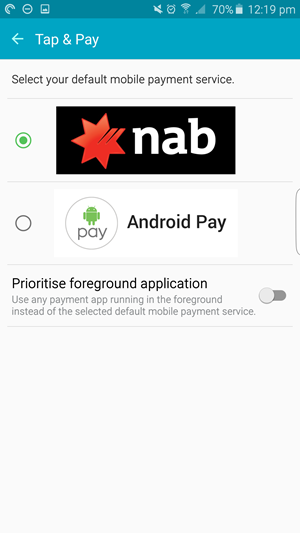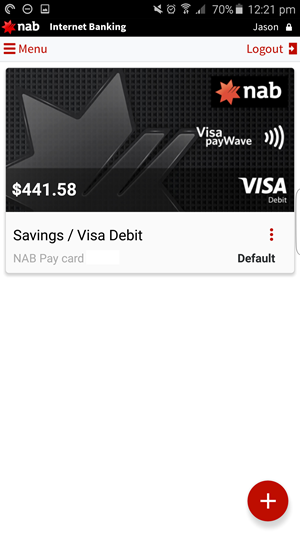
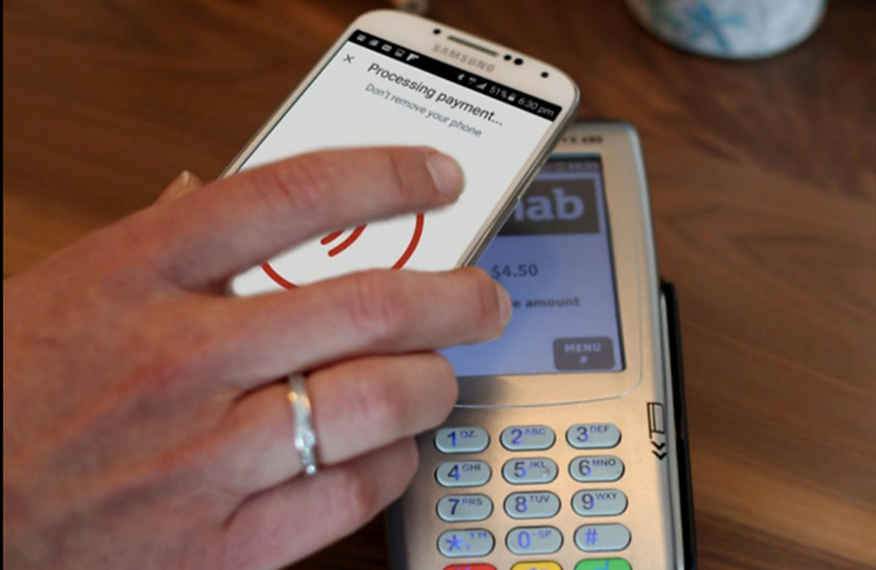
Yesterday NAB updated their Android App. Usually that’s not something newsworthy, except yesterday’s update has a massive new feature. NAB customers can now use the NFC in their phone to pay for transactions, essentially replacing their physical Visa Debit card, with their phone.
The process of enabling Tap & Pay is quite simple, especially if you’ve already got the app on your phone. Sign fire up the app, tap on ‘Nab Pay’ and you’ll sign into the app to authenticate. From there you’ll move through a series of screens to check you have NFC turned on in Android (if not it’ll prompt you to) and in just a few seconds, you’ll be ready to tap and pay.
There is one choice which you’ll need to make and that’s between security and convenience. When you enable tap and pay, you’ll need to choose how you want to perform transactions. That is, when it comes time to tap, do you simply need to wake your device and tap, or enter a unique 4 digital code to authorise the transaction. Obviously the later is more secure, but takes longer.
Regardless of how you configure things, it’s fantastic to have this functionality delivered so seamlessly, no need for a call to the bank, a new account the enable it, just an update to the app.
Of course NAB aren’t the first bank to offer this, but as one of the 4 big ones, its an important update and as a NAB customer, I’m personally very happy to see the feature added. Internationally, especially in parts of Asia, users have been paying with their phones for years, so good on you Australia for catching up and right before Australia day too.
Sorry iPhone users, this is Android only for now.